
Newsletter
Exclusive expert tips, customer stories and more.
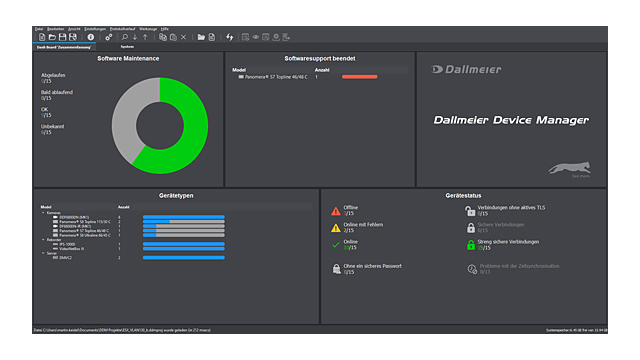
Dallmeier Device Manager (DDM) is a powerful application for the convenient configuration and administration of large Dallmeier VideoIP systems.
DDM scans the video network for Dallmeier devices, detects them automatically and provides them in an overview.
Thus, cameras as well as recording systems can be conveniently managed.
The extensive functions range from changing IP addresses and updating the integrated software to opening the configuration dialogs directly.
Network Scan
Dallmeier Device Manager scans the VideoIP network for Dallmeier devices and provides them in an overview, if desired with a preview for cameras and filtered according to various criteria.
Structuring
The independent and simple assignment of the detected recording systems and cameras to different virtual systems allows a clear and structured representation of the entire VideoIP system.
Dashboard
The dashboard shows the most important device data of a system at a glance: Hardware and security status, licenses, software version.
Updates
Software updates for all components present in the network can be carried out with DDM. Devices with identical software versions can be updated simultaneously.
Software Maintenance
The current status of the maintenance license intervals is queried and displayed in a general overview for all devices. Soon expiring licenses are highlighted.
TLS Encryption
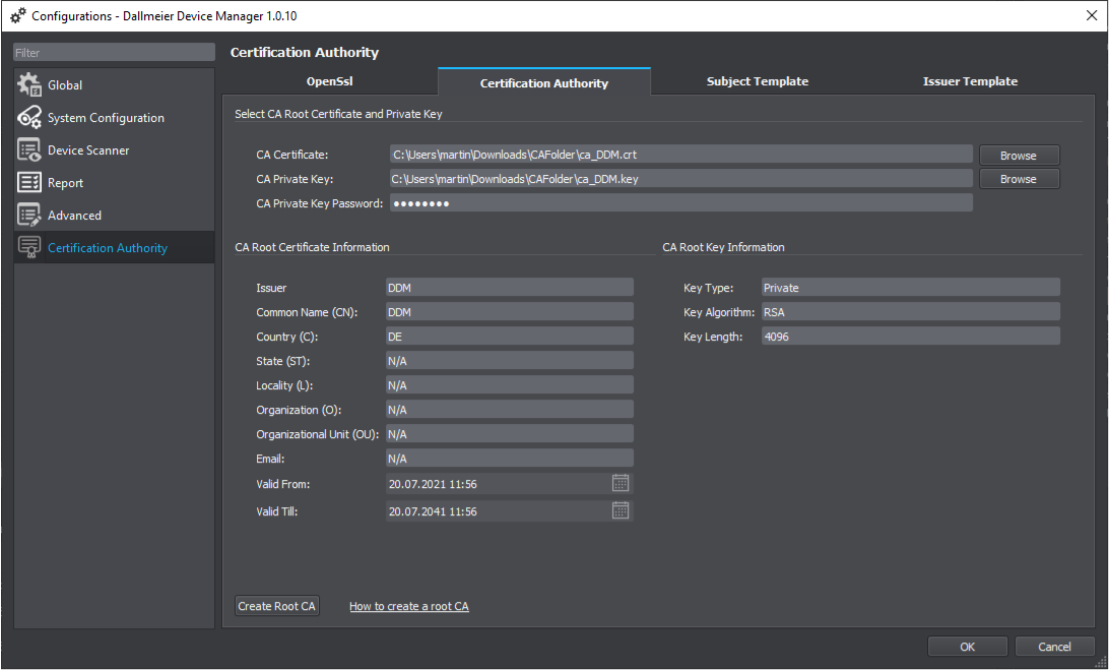
DDM provides all the necessary tools to encrypt device connections in a network using the TLS protocol.
Panomera® AutoCalibration
The Panomera® AutoCalibration add-on enables the automatic calibration of Panomera® systems. The individual sensors of the system are optimally aligned against each other by a digital fine alignment of the image section to achieve a seamless overall image.
Further Features
System Requirements
Administering a video security system and encrypting the connections is a complex and time-consuming task.
With the Dallmeier Device Manager (DDM), users not only perform all device management tasks, but can also conveniently encrypt their Dallmeier video system with TLS certificates and configure further security settings.
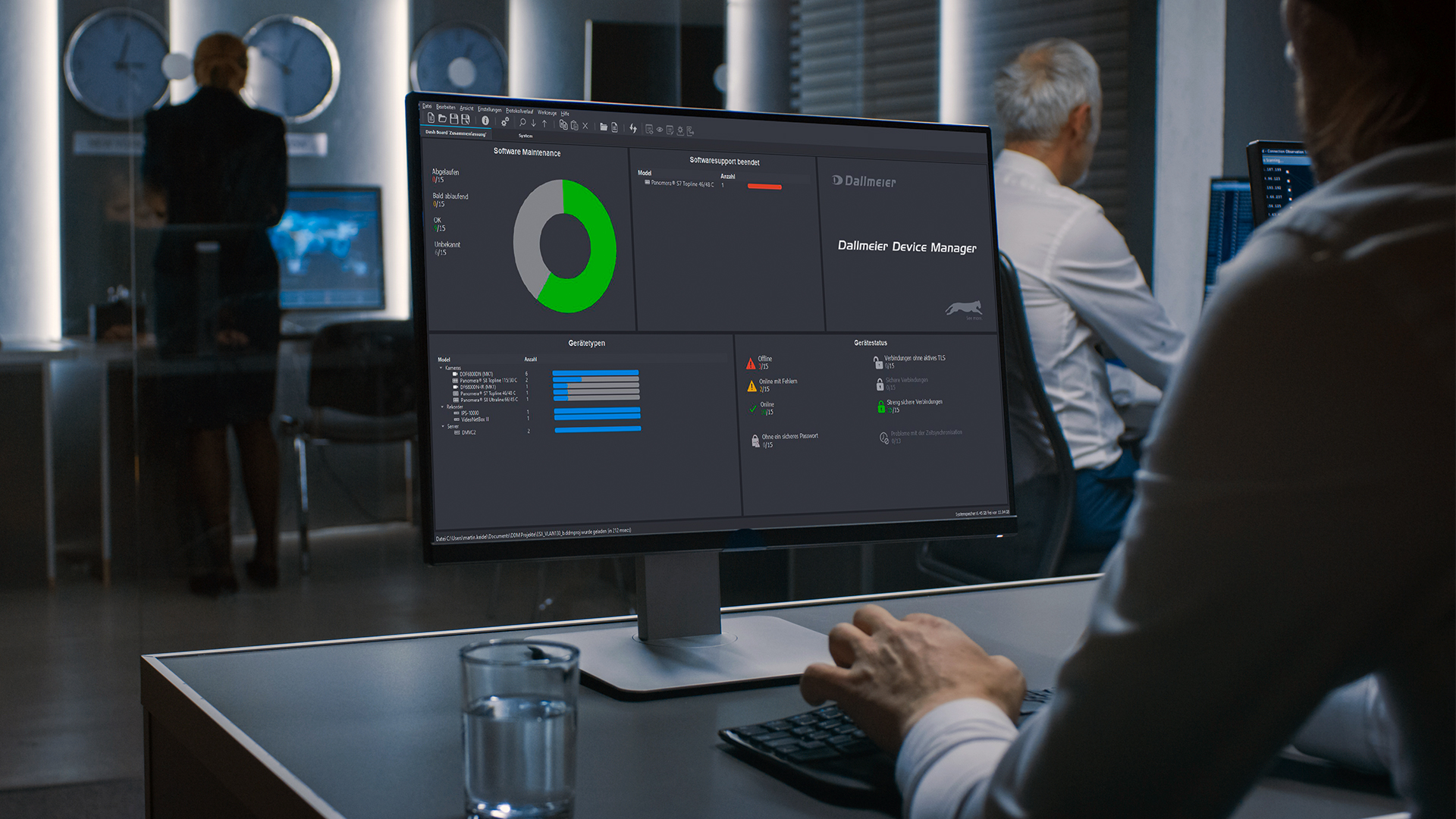
The integrated dashboard provides the most important data on hardware and security status, licensing and software version at a glance.
Comprehensive information about Dallmeier Device Manager
Configuration: TLS encryption in 6 easy steps