Newsletter
Exclusive expert tips, customer stories and more.
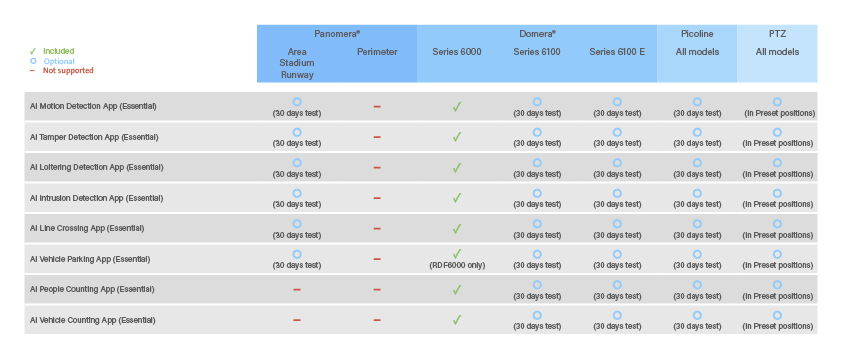
All AI-capable Dallmeier cameras are delivered with the AI Essential Apps and the associated neural network already installed. This provides immediate access to a wide range of AI-based applications, enabling flexible and powerful video analytics right out of the box.
| Included EdgeAnalytics AI Essential Apps | |
|---|---|
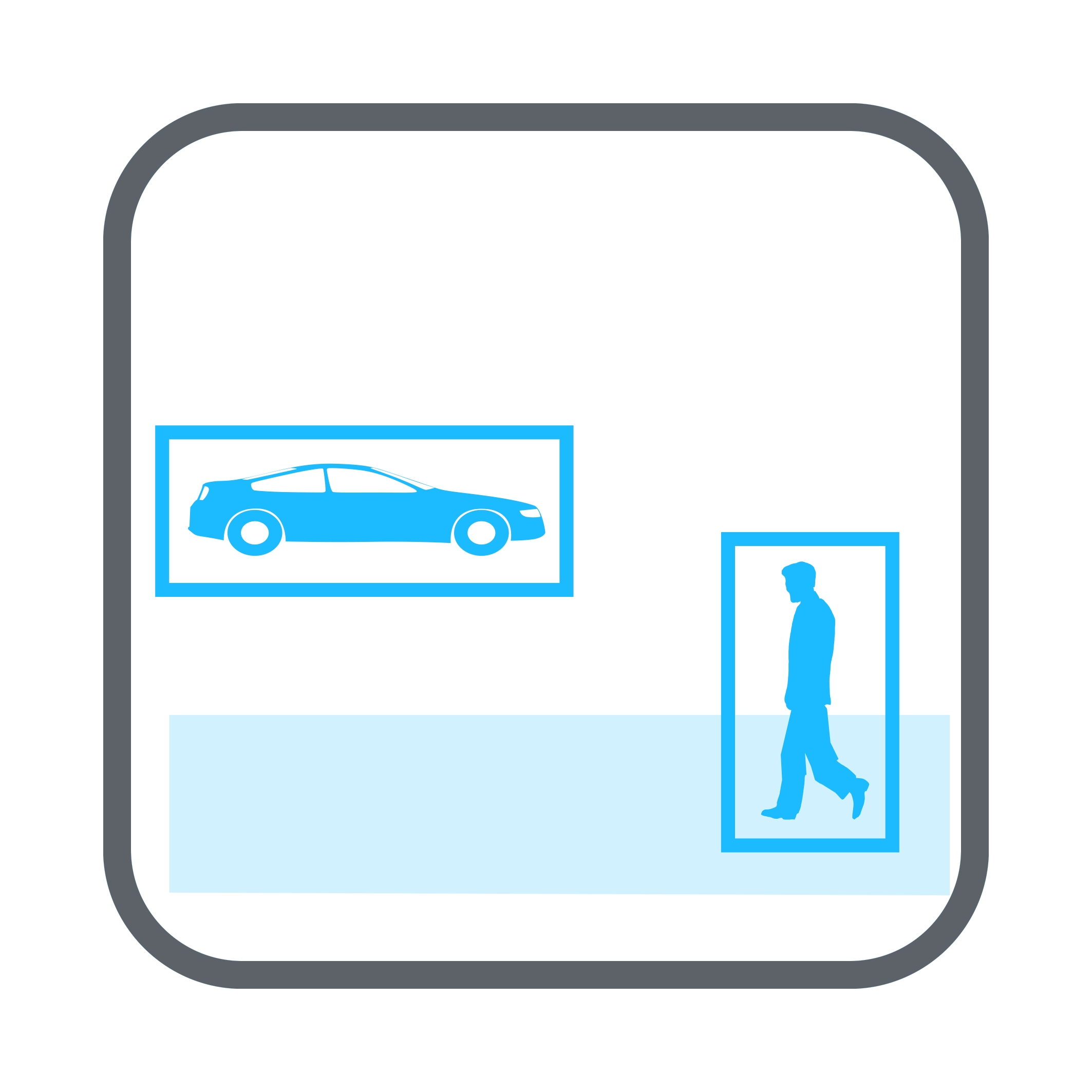 | The AI Motion Detection App analyzes the entire image content and reliably detects all movements triggered by persons or vehicles. The motion events are sent to the recording system with the video stream. Afterwards, they are available with metadata such as object type, time and position for targeted evaluation with Dallmeier client software. |
 | The AI Tamper Detection App is classically used for detecting and reporting attempted tampering with the camera. The app detects a general change in the captured scene, such as typically occurs when the camera is manually rotated or tilted, and immediately issues a corresponding message. |
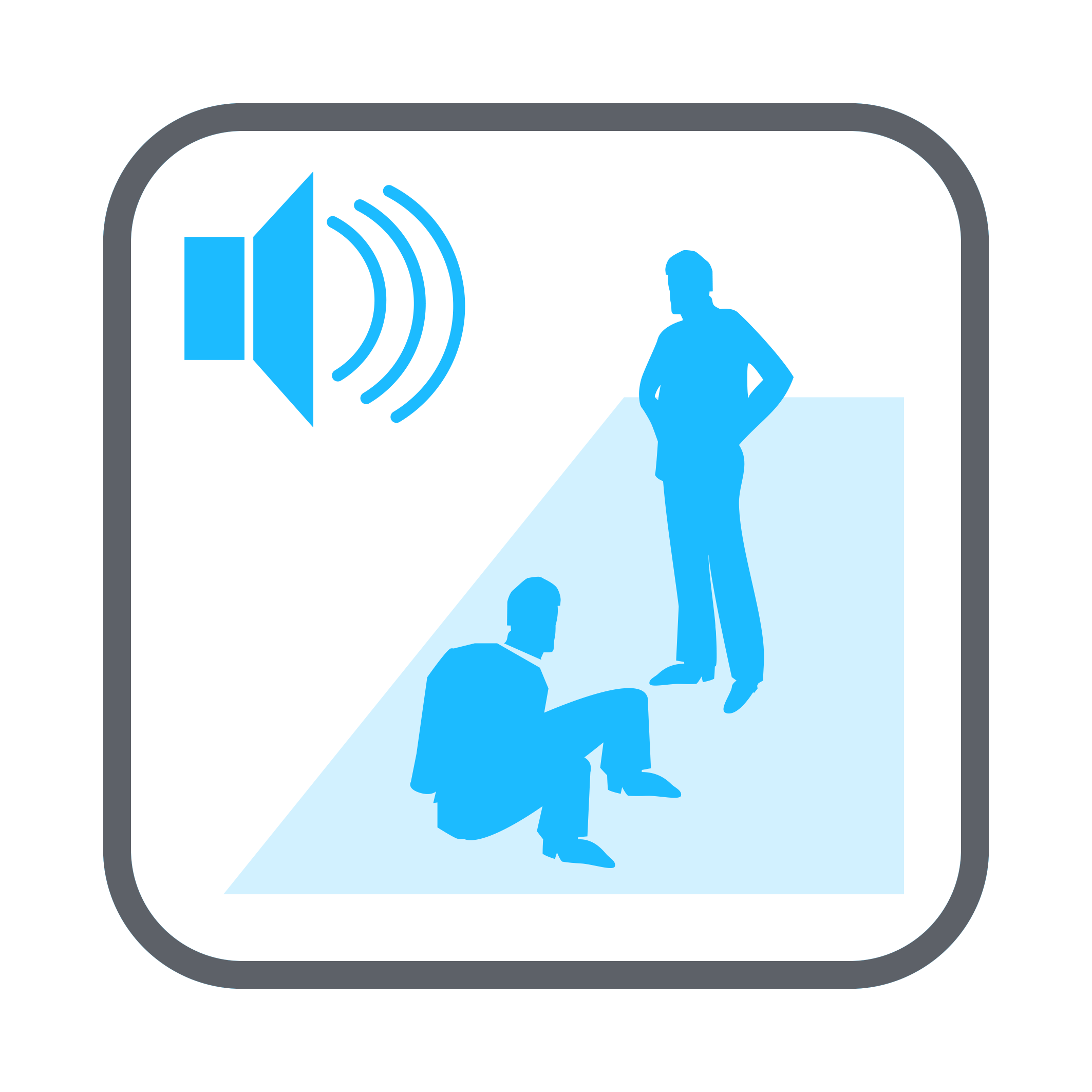 | The AI Loitering Detection App analyzes the movement of persons detected by the neural networks and evaluates their dwell time in a defined sensitive zone. If the set limit value of the dwell time is exceeded, a corresponding message can be displayed to the operator. At the same time, undesired attendants can be requested to leave the area by outputting a stored audio sequence. |
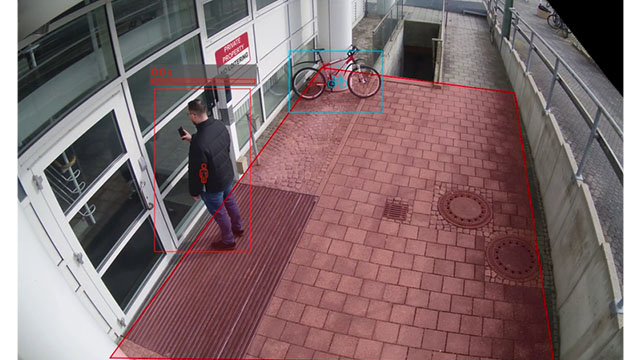
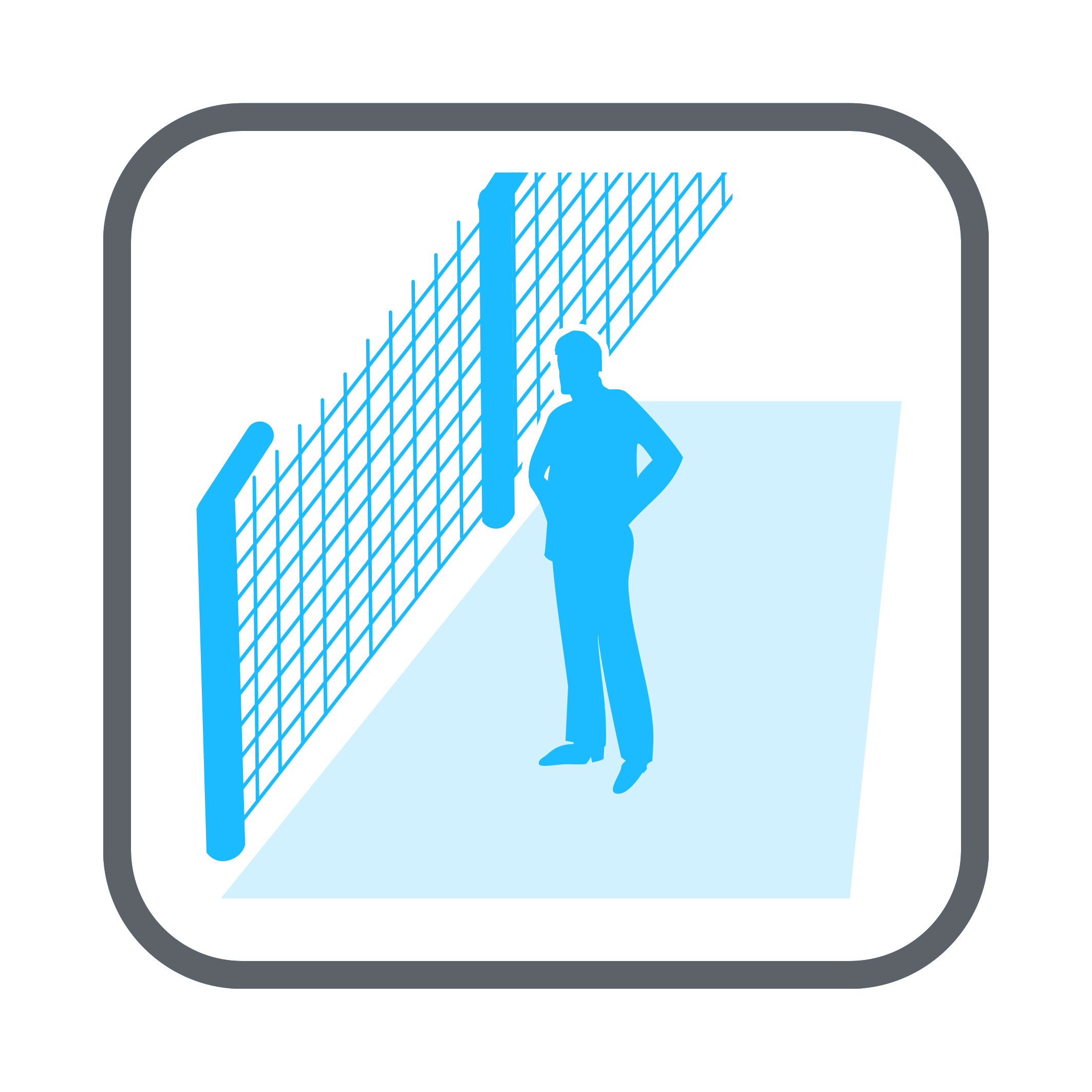 | The AI Intrusion Detection App allows the definition of protected zones and issues a message as soon as an object intrudes into them. The object type relevant for the message can be defined as, for example, person or vehicle. For targeted operator attention, a pre-zone can be defined for each protected zone, which can be used to escalate the messages. |
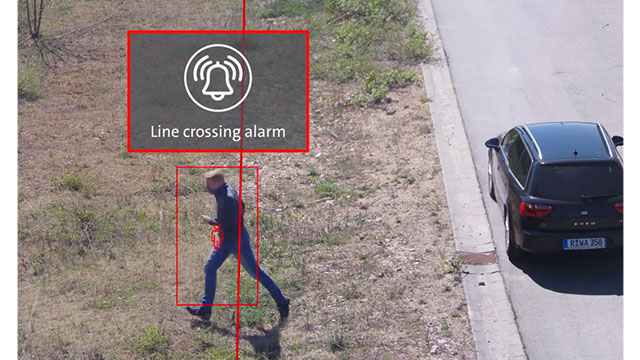
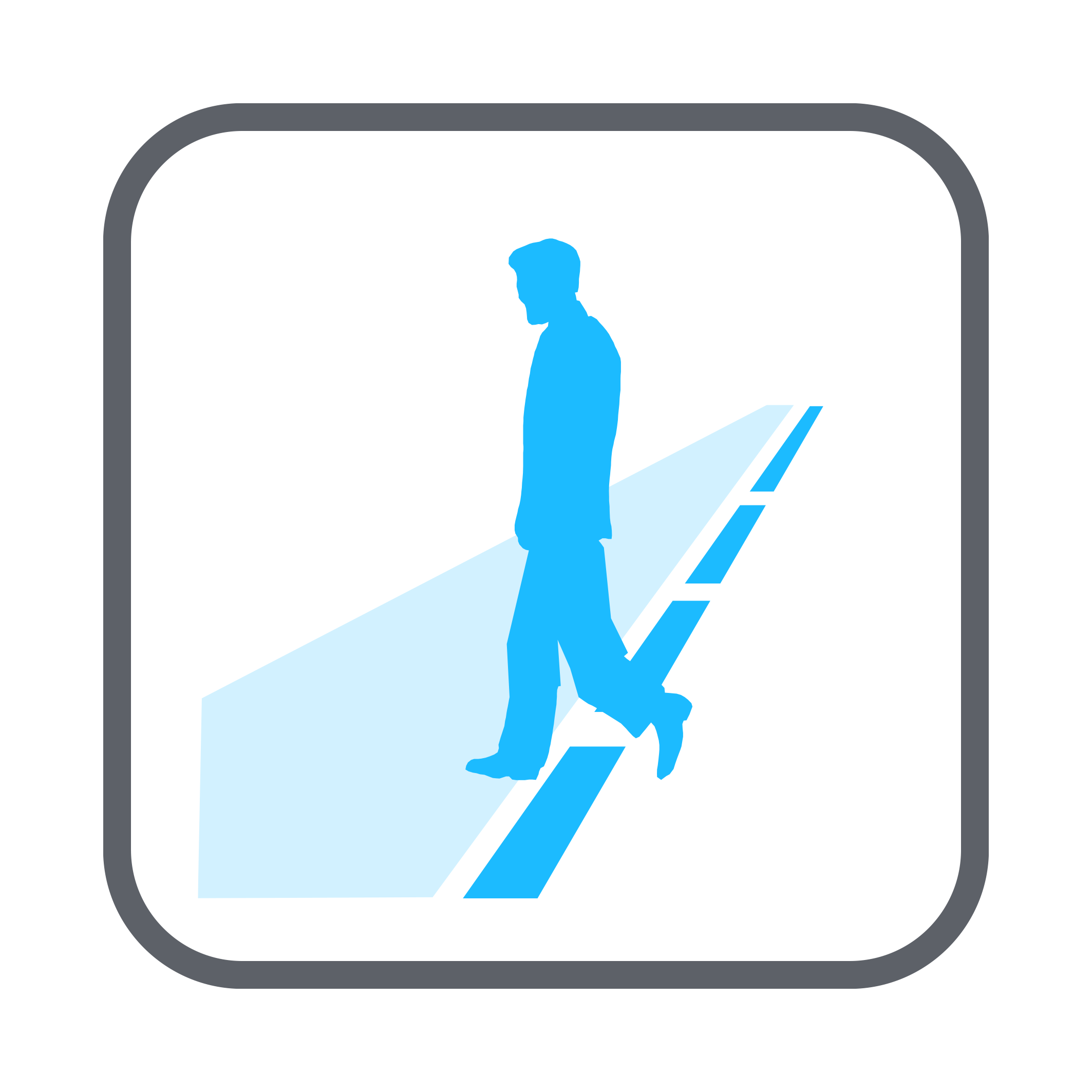 | The AI Line Crossing App issues a message as soon as a person or vehicle crosses a virtual line drawn in the image. Uninteresting crossings of the virtual lines, for example by animals, can be effectively excluded. An operator is thus less distracted and can concentrate much better on relevant observations. |
 | The AI People Counting App analyzes the entire image content in a defined cycle and determines the number of people present in defined areas. Irrelevant objects are effectively filtered out by object classification based on a neural network to achieve the most accurate count result possible. In addition, a message can be output when a set threshold value is exceeded. |
 | The AI Vehicle Counting App allows the subdivision of large scenes into different zones and cyclically determines the number of objects. Based on an accurate object classification using a neural network, the number of vehicles present is output immediately. In addition, a message can be output when a set threshold value is exceeded. |
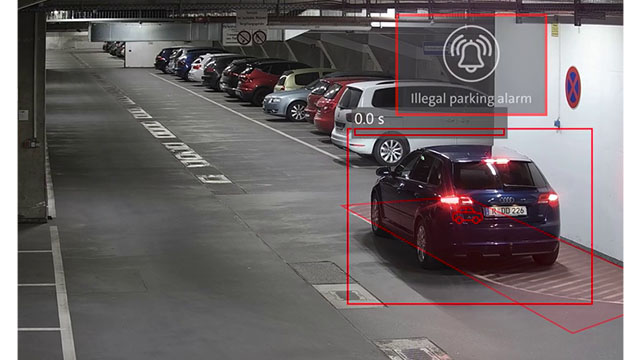
 | The AI Vehicle Parking App enables the definition of several zones in which vehicles may not be parked for a longer period of time. The permitted parking time can be set globally for all zones between 5 and 3600 seconds. If this time is exceeded, a corresponding message is sent to the client indicating that the vehicle has been parked incorrectly. |
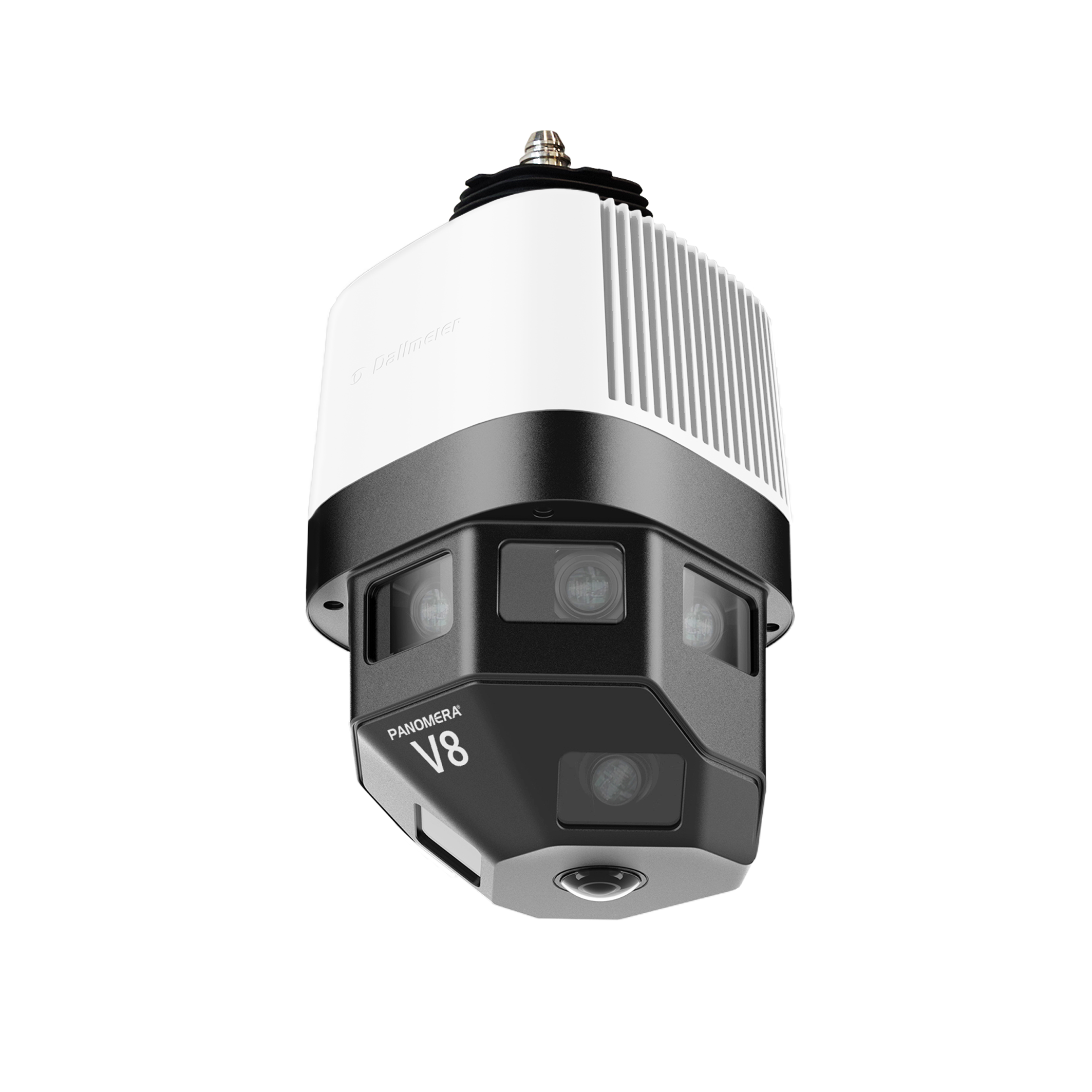 | Panomera® V8 Area Multifocal sensor system, 30 fps, H.265, day/night, UWDR, field of view horizontal 180° and vertical 90°, resolution 125 px/m up to 40 m, Panomera® View Package (included), AI EdgeAnalytics (optional), variable Mountera® mounting system |
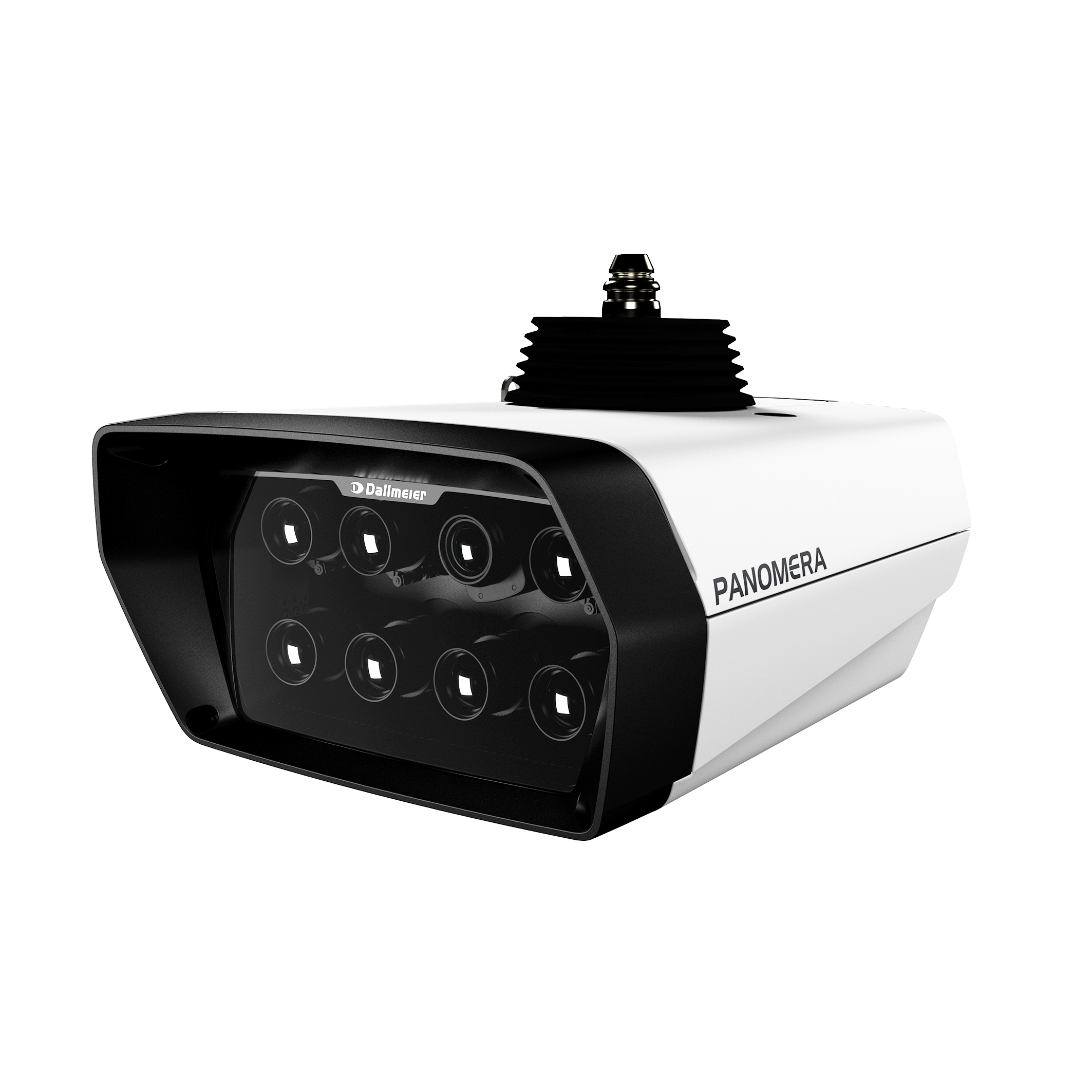 | Panomera® S8 Area Series Multifocal sensor system, 30 fps, H.265, day/night, UWDR, field of view horizontal 22°-90°, resolution 125 px/m up to 212-71 m, Deep AI object classification, EdgeAnalytics AI Apps, variable Mountera® mounting system |
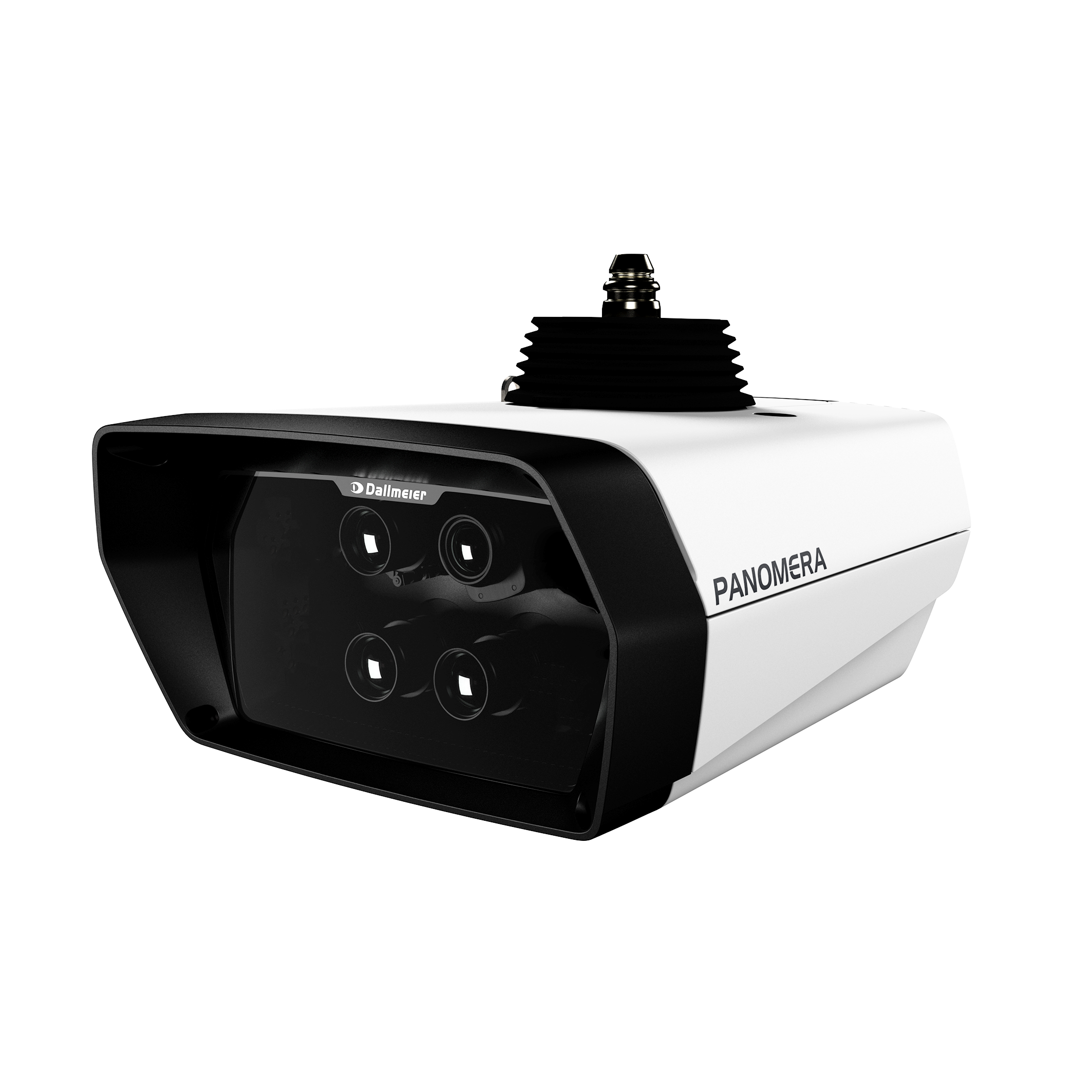 | Panomera® S4 Area Series Multifocal sensor system, 30 fps, H.265, day/night, UWDR, field of view horizontal 15°-30°, resolution 125 px/m up to 194-97 m, Deep AI object classification, EdgeAnalytics AI Apps, variable Mountera® mounting system |
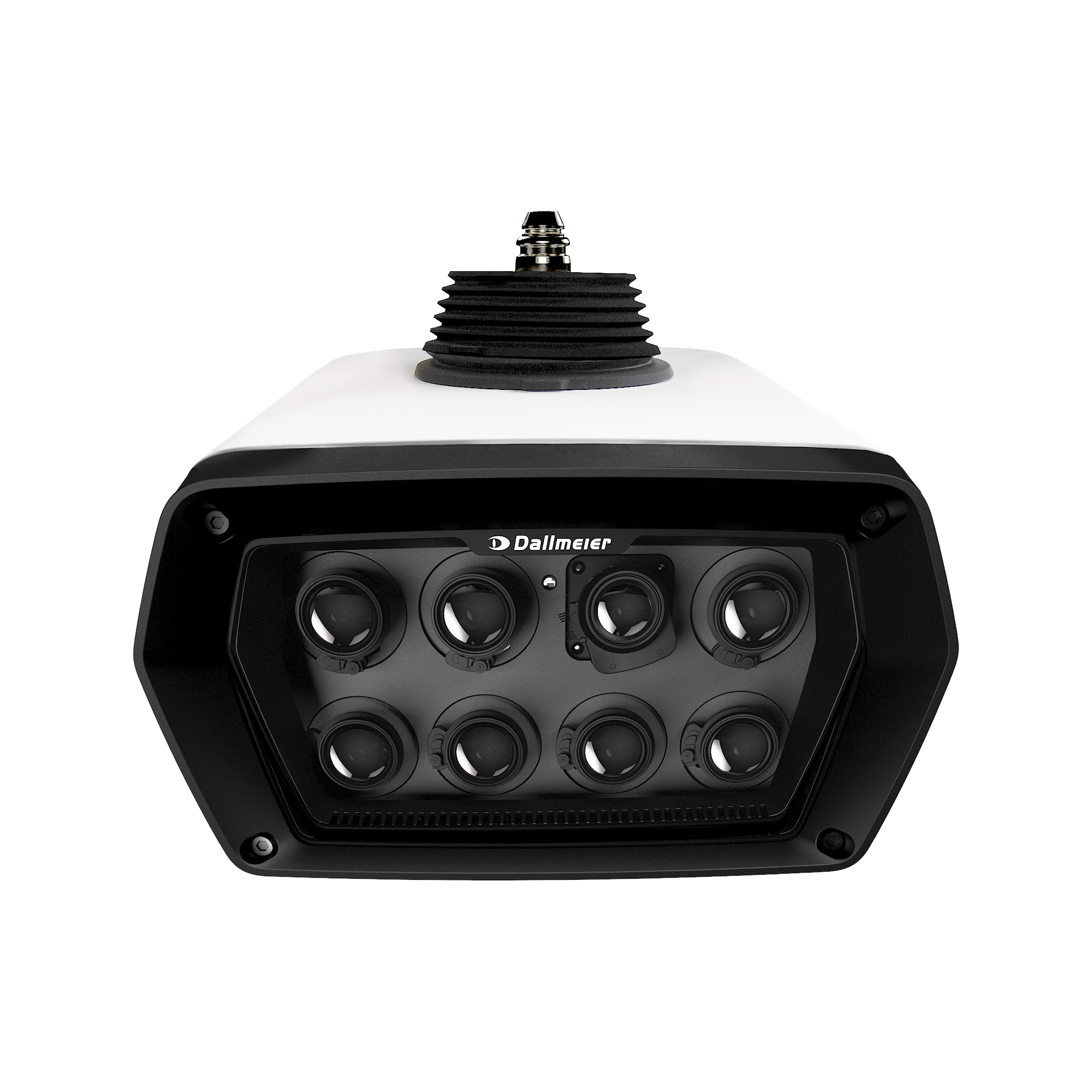 | Panomera® S8 Stadium Series Multifocal sensor system, 66 MP, 30 fps, H.265, day/night, UWDR, field of view horizontal 13°-61°, resolution 125 px/m up to 325-102 m, Deep AI object classification, EdgeAnalytics AI Apps, variable Mountera® mounting system |
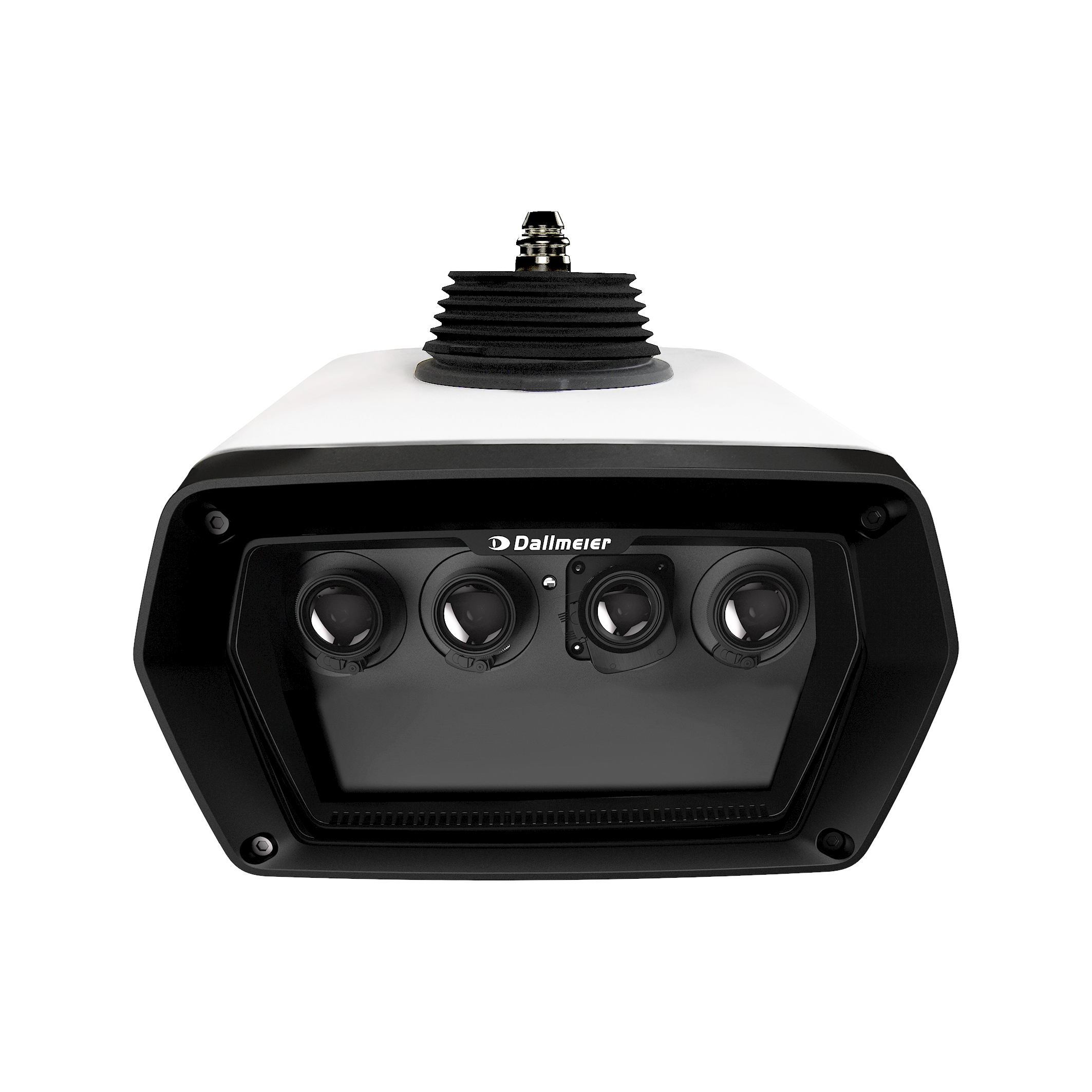 | Panomera® S4 Stadium Series Multifocal sensor system, 33 MP, 30 fps, H.265, day/night, UWDR, field of view horizontal 12°-41°, resolution 125 px/m up to 325-103 m, Deep AI object classification, EdgeAnalytics AI Apps, variable Mountera® mounting system |
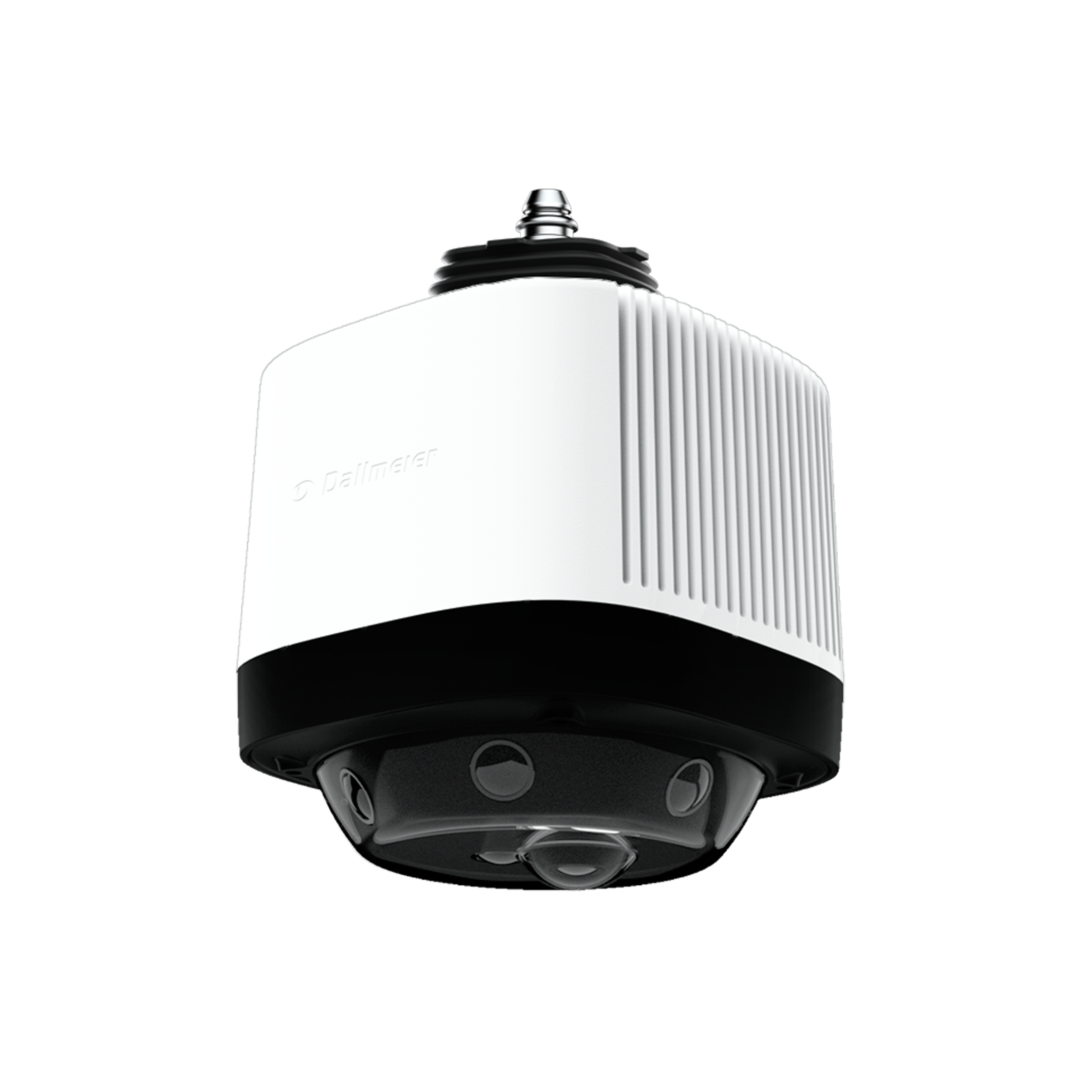 | Panomera® W8 Area Multifocal sensor system, 30 fps, H.265, day/night, UWDR, field of view horizontal 360° and vertical 90°, resolution 125 px/m up to 17 m, Deep AI object classification, EdgeAnalytics AI Apps, variable Mountera® mounting system |
| Panomera® W4 Area Multifocal sensor system, 30 fps, H.265, day/night, UWDR, field of view horizontal 180° and vertical 90°, resolution 125 px/m up to 17 m, Deep AI object classification, EdgeAnalytics AI Apps, variable Mountera® mounting system |
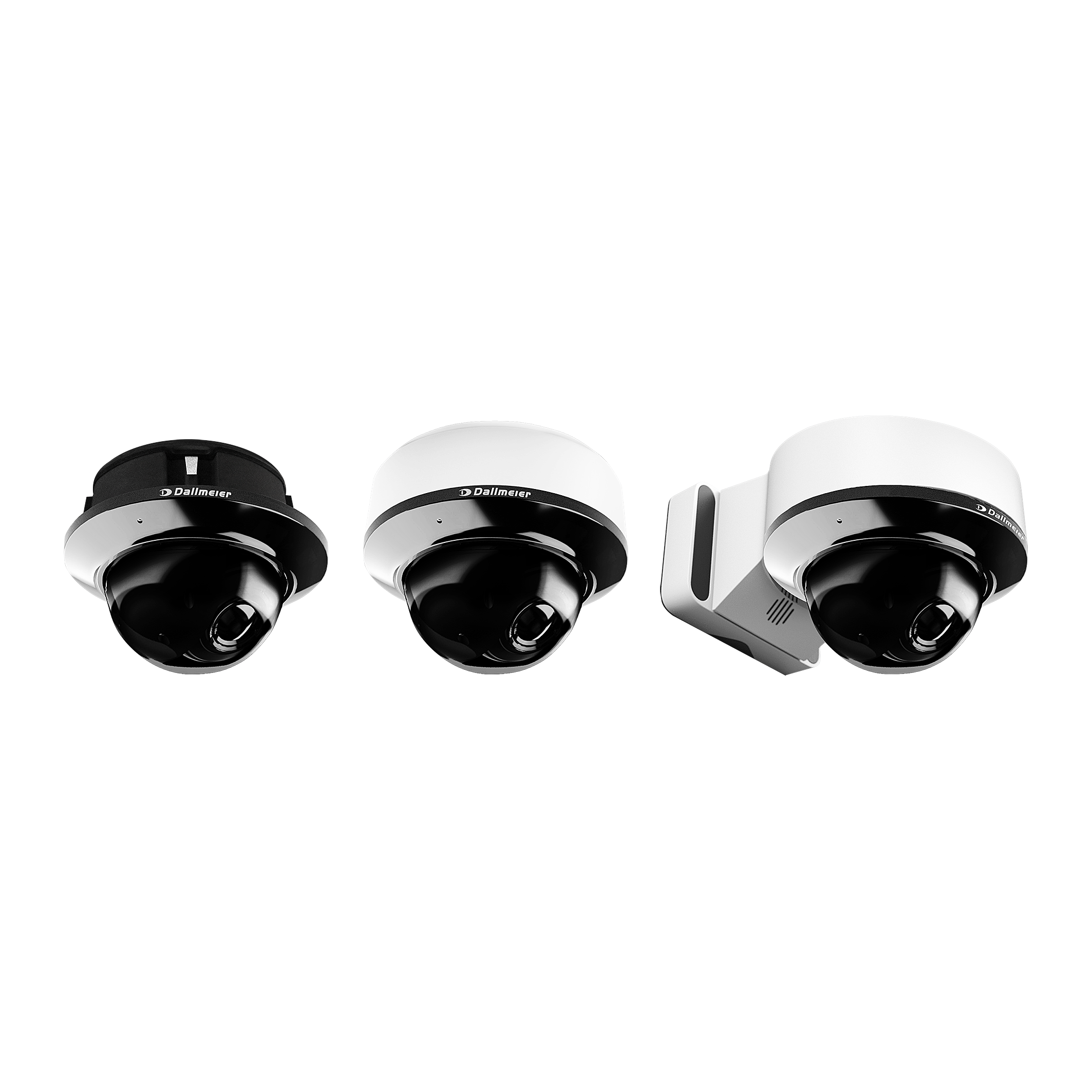 | Camera Series RDF6000DN High definition camera, 4/8 MP, H.265, day/night, WDR/HDR, PoE, Deep AI object classification, EdgeAnalytics AI Apps, motor-driven varifocal lens, motorized 3-axis adjustment (RPoD), variable Domera® mounting system |
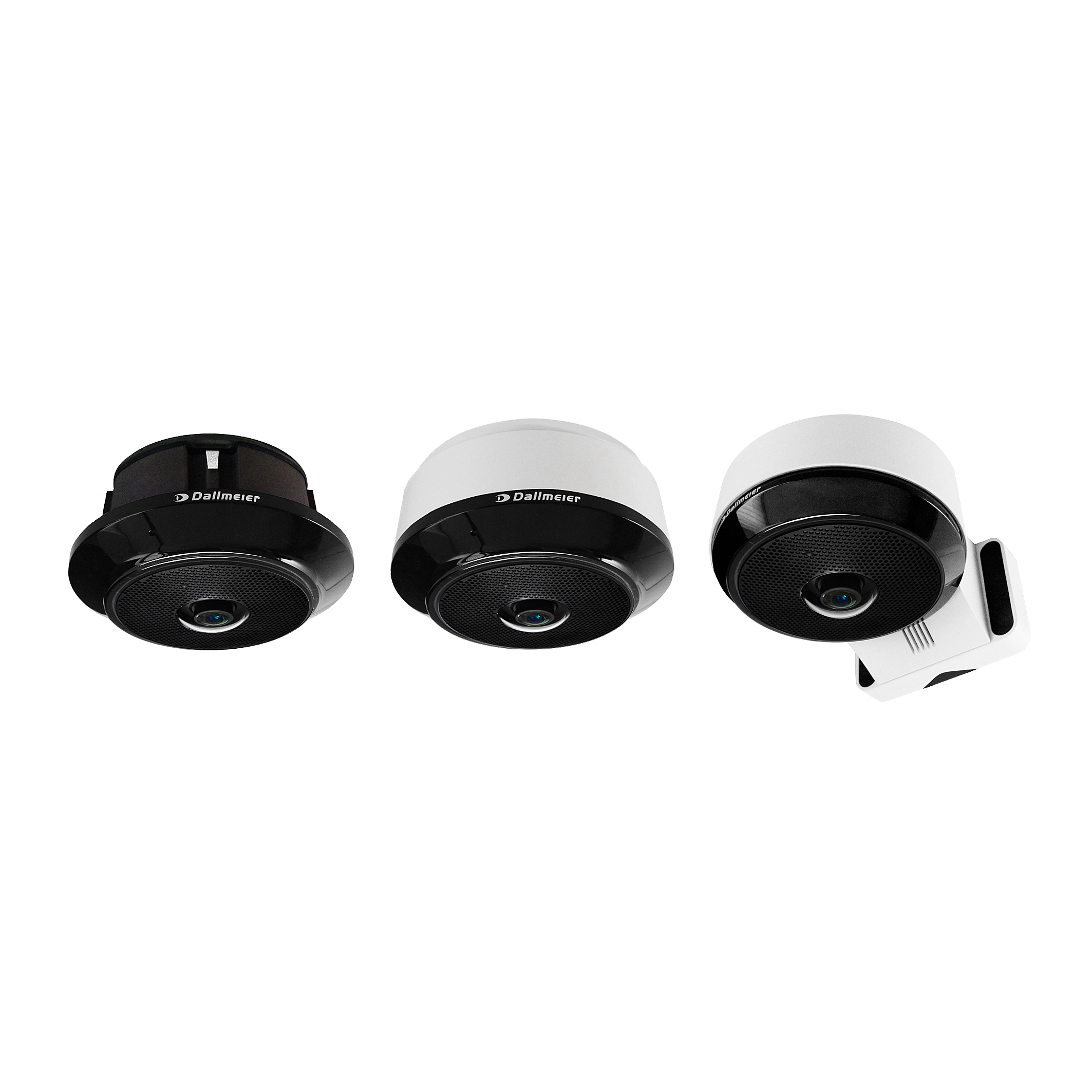 | SDF6800DN Ultra high definition camera, 8 MP, H.265, day/night, WDR, PoE, Deep AI object classification, EdgeAnalytics AI Apps, fisheye lens, 360° panoramic view, motorized fine alignment, variable Domera® mounting system |